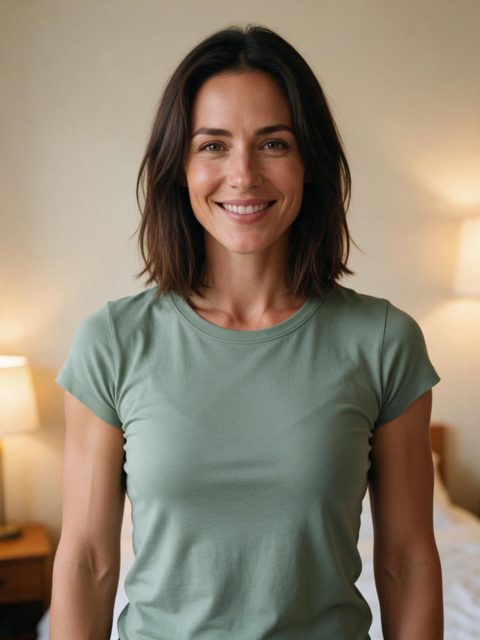
Green tee, at home
Need a bicep heart picture for a story, a profile or a TikTok cover? Browse the stills below, learn how to pull the sharpest frame out of any video, and see which kind of photo the AI turns into the best bicep heart.
Your photo
Best results: a clear, front-facing photo from the waist up, with your face and both arms in view, good light. Short sleeves show the flex best.
Your 7-second video comes with the trend sound and caption already on it.
You'll sign in first — your photos stay selected.
Trend sounds are for personal posts. Not happy with a finished video? Email us within 7 days. Refunds
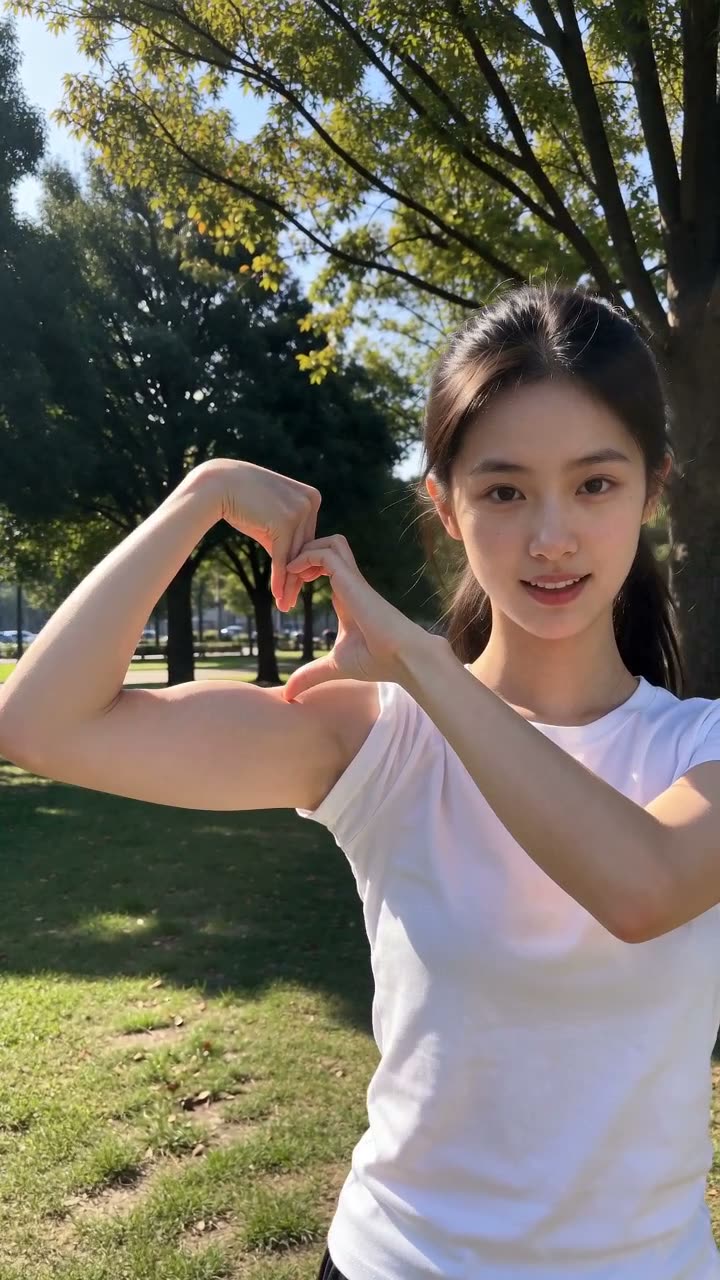
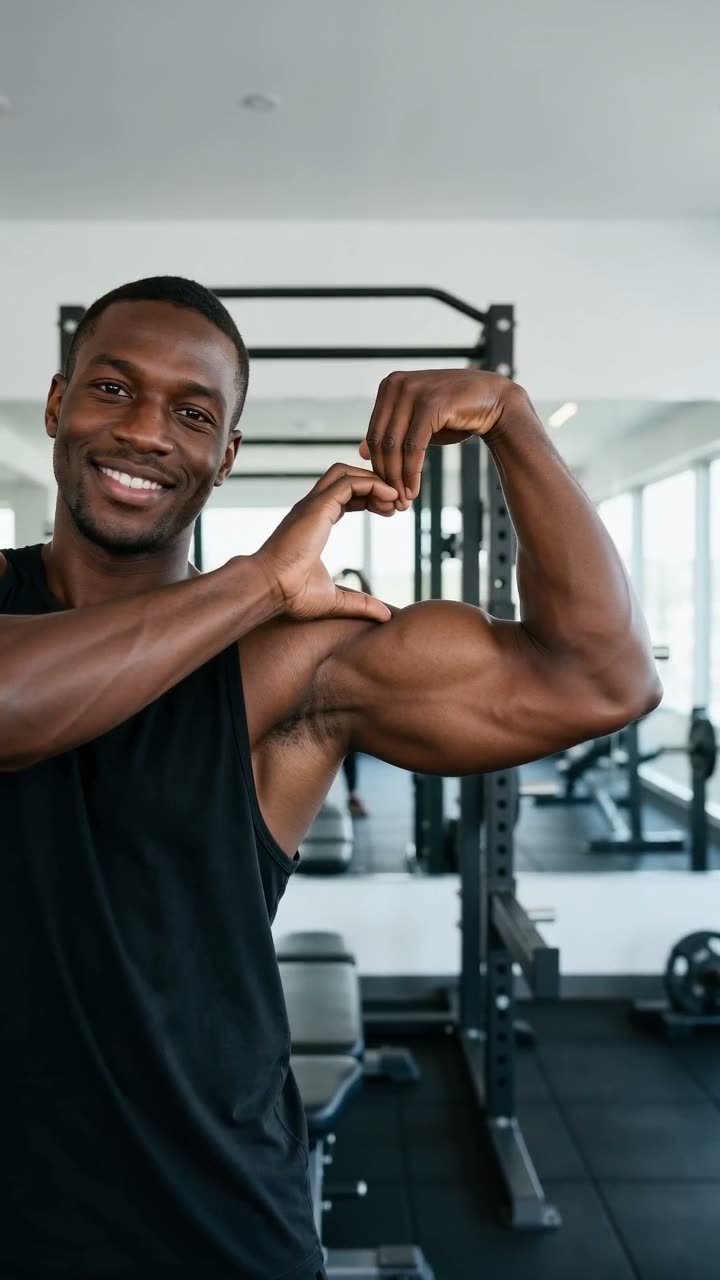
It is the peak moment of the trend frozen in one image: arm flexed, fist up by the head, the other hand hooked over the bicep so the two make a heart. In a video it lasts about two seconds, so the trick is catching the frame where the heart is fully closed.
Each still is a single frame from a video made on Hop Hop Hop AI. The people are AI-generated. Tap one to see it full size.
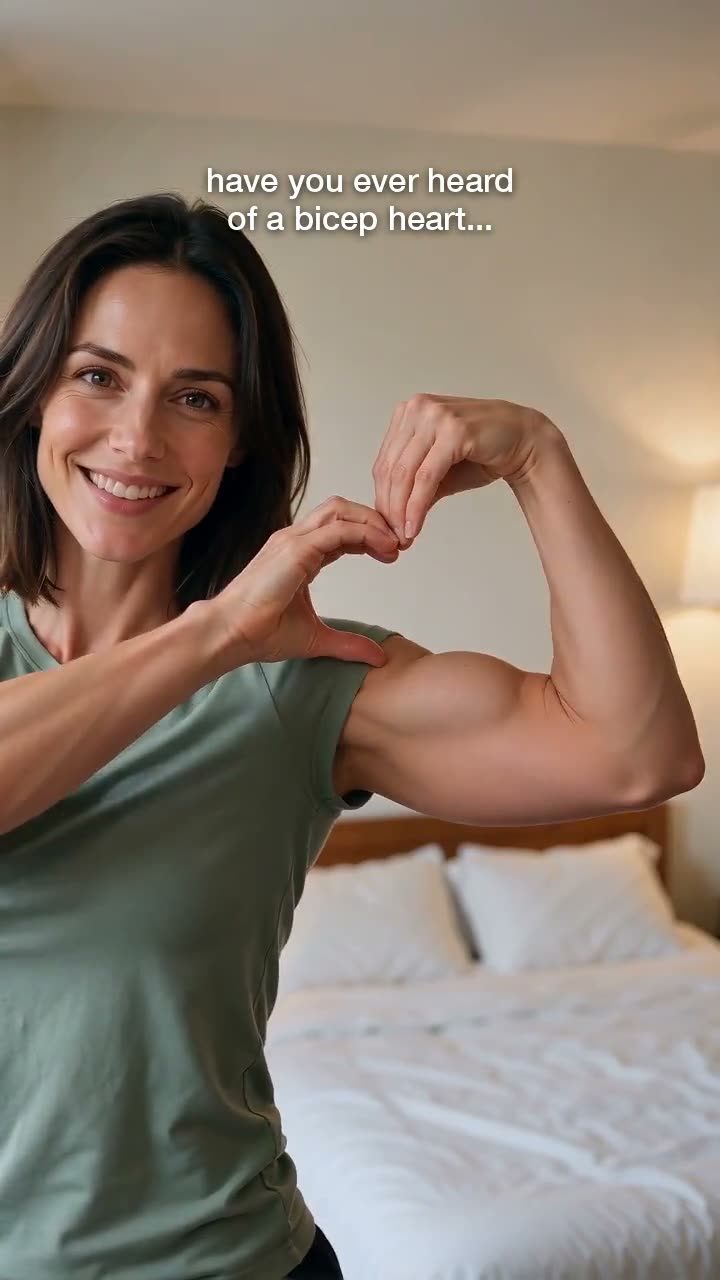
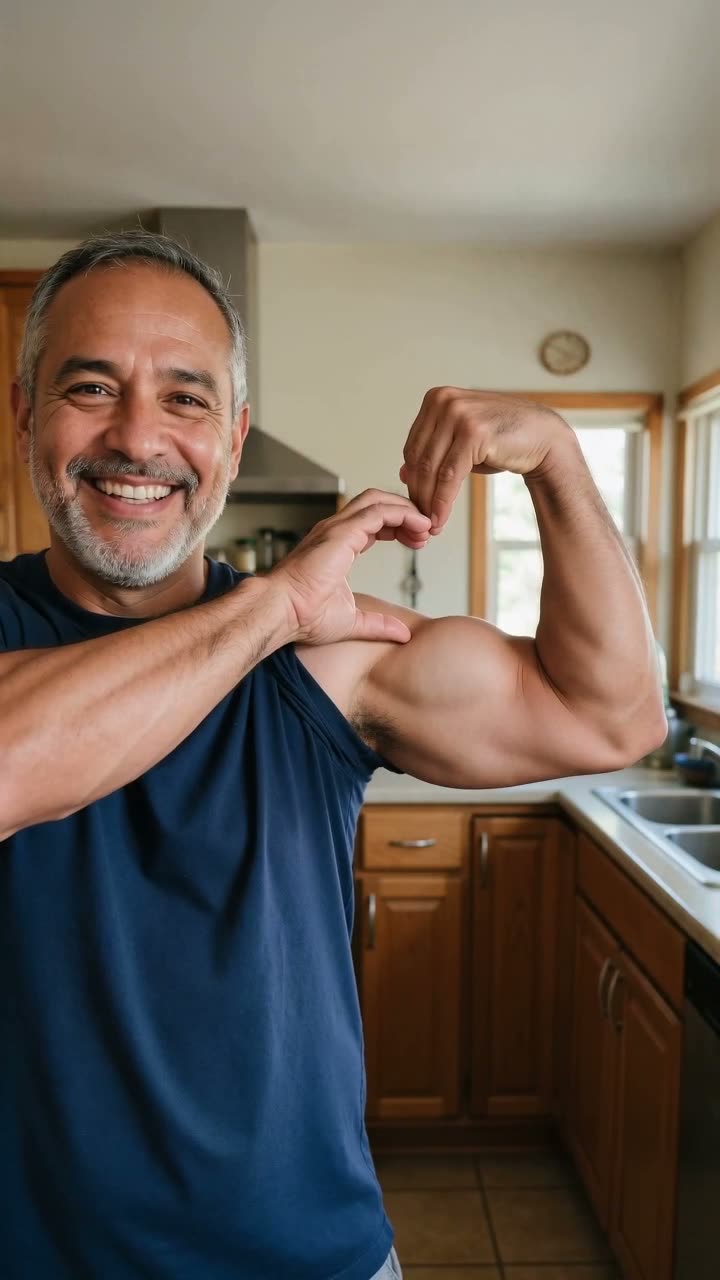
Play your bicep heart video and pause between 0:04 and 0:06, while the heart is held.
Step frame by frame (on a computer, the arrow keys; on a phone, scrub slowly) until the fingers are crisp.
Screenshot, then crop to 9:16 or 4:5 so the heart sits in the middle third.
If the caption is in the way, save the video with the caption switched off first.
When you upload the video, TikTok lets you choose a cover frame. Slide to the moment the heart is closed: a cover that already shows the payoff gets more taps from your profile grid.
Add one or two words of cover text (for example "for you 💪❤️") in the top third, where the profile grid does not crop it.
Made on Hop Hop Hop AI from the single photo under each clip. Tap for sound. The people are AI-generated.
Green tee, at home
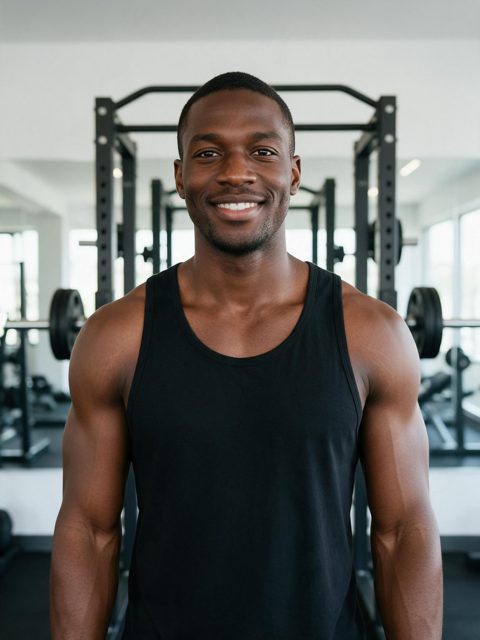
Black tank, in the gym
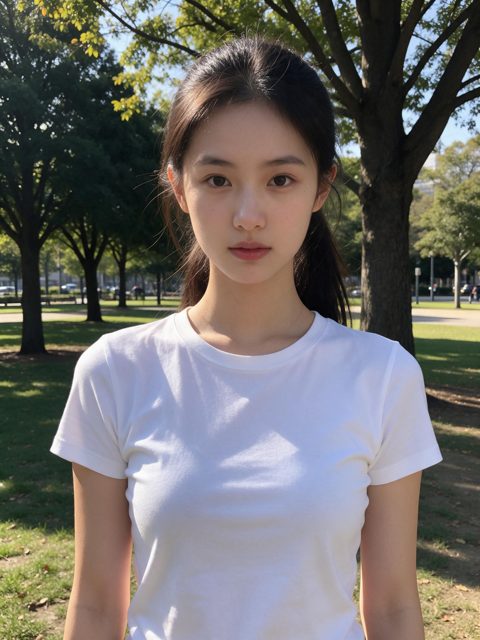
White tee, outdoors
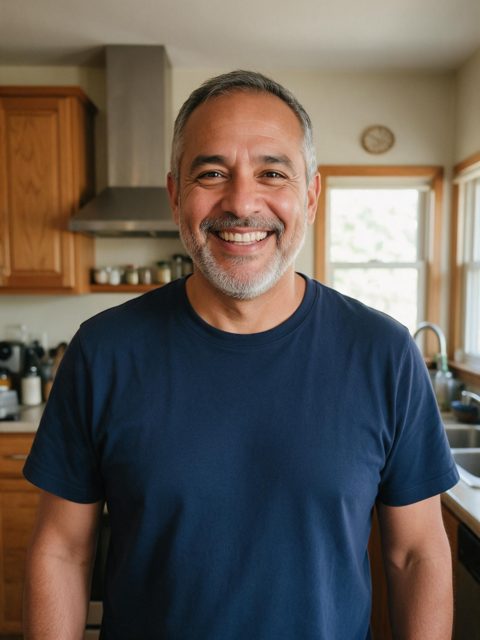
Navy tee, in the kitchen
In the post screen, tap "Edit cover" and slide to the frame where the heart is closed, around 0:04 to 0:06 in our videos.
Make your video with the generator on this page, open it and pause on the heart, then take a screenshot. The video itself downloads as an MP4 with no watermark.
Yes. The caption is added when you save the video, and you can switch it off before saving, so the frames are clean.
One clear photo of yourself from the waist up, facing the camera, with both arms in view. Group photos and cropped arms give weaker results.
Upload a photo, get the bicep heart video, screenshot your best frame.
Make my bicep heart video